
WhatsApp payments
Turn WhatsApp conversations into payments
Create a Fygaro checkout link for a product, service, partial payment, invoice, or custom amount, then send it in WhatsApp when the buyer is ready.
Product, partial payment, service, invoice, or custom amount.
Payment link readyWhat you can do
Payment tools for WhatsApp sales
Use Fygaro Links for custom orders, repeat offers, services, deposits, invoices, and products sold from chat.

One customer or many
Use one-time links for custom orders or reusable links for repeat offers.

Products or services
Collect payments for products, services, appointments, repairs, classes, partial payments, or custom orders.
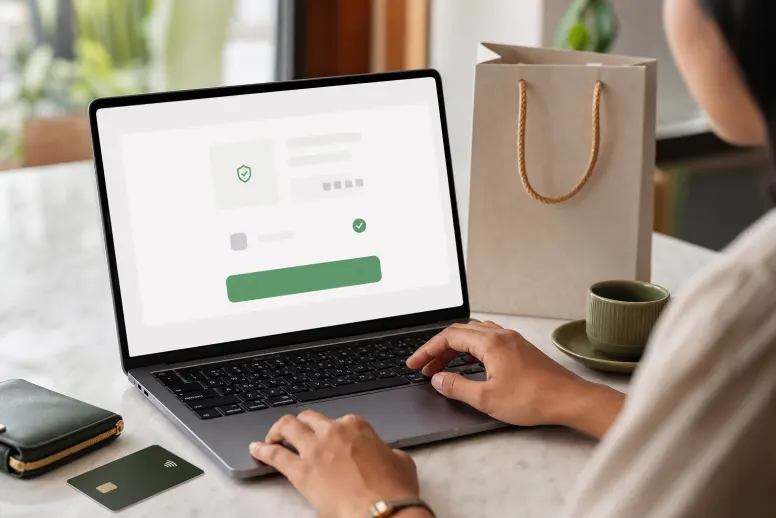
A clean checkout
Customers see what they are paying for and finish with a secure online payment page.
How it works
From chat to payment in three steps
Keep the conversation natural. When the buyer is ready, send one secure link and move directly to payment.
Confirm the order
Agree on the product, service, partial payment, or amount in the same conversation.
Send the link
Create a secure payment link and share it in WhatsApp.
Get paid online
The customer opens checkout, pays, and you can follow the payment in Fygaro.
Recommended product
Choose the right product for WhatsApp
Use Links to add a checkout step to the conversation. Use Shops when customers need to browse a full catalog and build a cart.


Questions
Simple answers before you start
WhatsApp payments
Send a payment link when the buyer is ready
Share a payment link in WhatsApp while the order details are fresh.