
Payment links for invoices
Add online payment to invoices
Add a Fygaro payment link to the invoice, quote, or balance request you already send. Customers get a direct way to pay, and your team can track the payment in Fygaro.
What you can do
Make payment requests easier to complete
Use Fygaro Links for invoices, quotes, order summaries, balances, deposits, and repeat payments.
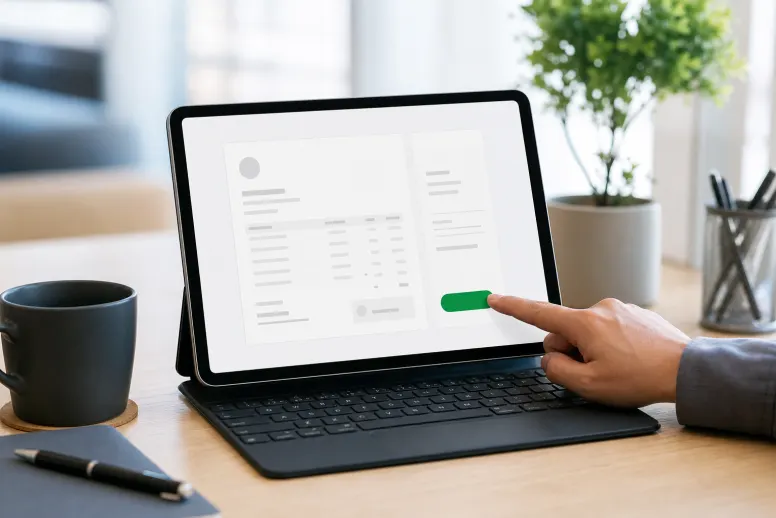
One clear button
Customers see one clear button to pay online.
Follow-up reminders
Send reminders when the payment still needs attention.
Recurring payments
Helpful when the same customer pays on a schedule.
How it works
From invoice to paid
Give customers a checkout step without making them search for payment instructions.
Prepare the invoice
Create the invoice or payment request with the amount the customer should pay.
Send the payment link
Share it by email, chat, or the process your customer already expects.
Follow the payment
Add invoice tools when you need records, reminders, or recurring follow-up around the payment.
Recommended product
Use Links for the pay button
Use Fygaro Links for the pay button. Use invoice tools when records, reminders, or recurring follow-up matter.


Questions
Simple answers before you start
Payment links for invoices
Give the invoice a pay button customers recognize
Add a Fygaro Link to the invoice and give customers a pay step without extra payment instructions.